Laser 101 · File prep
Laser cutting file formats, explained.
Laser cutters read vector files — AI, DXF, or PDF. Here is what file format and file type each one is, which to use for cutting and for engraving, why raster images will not cut, and how to export a file that is ready to go.
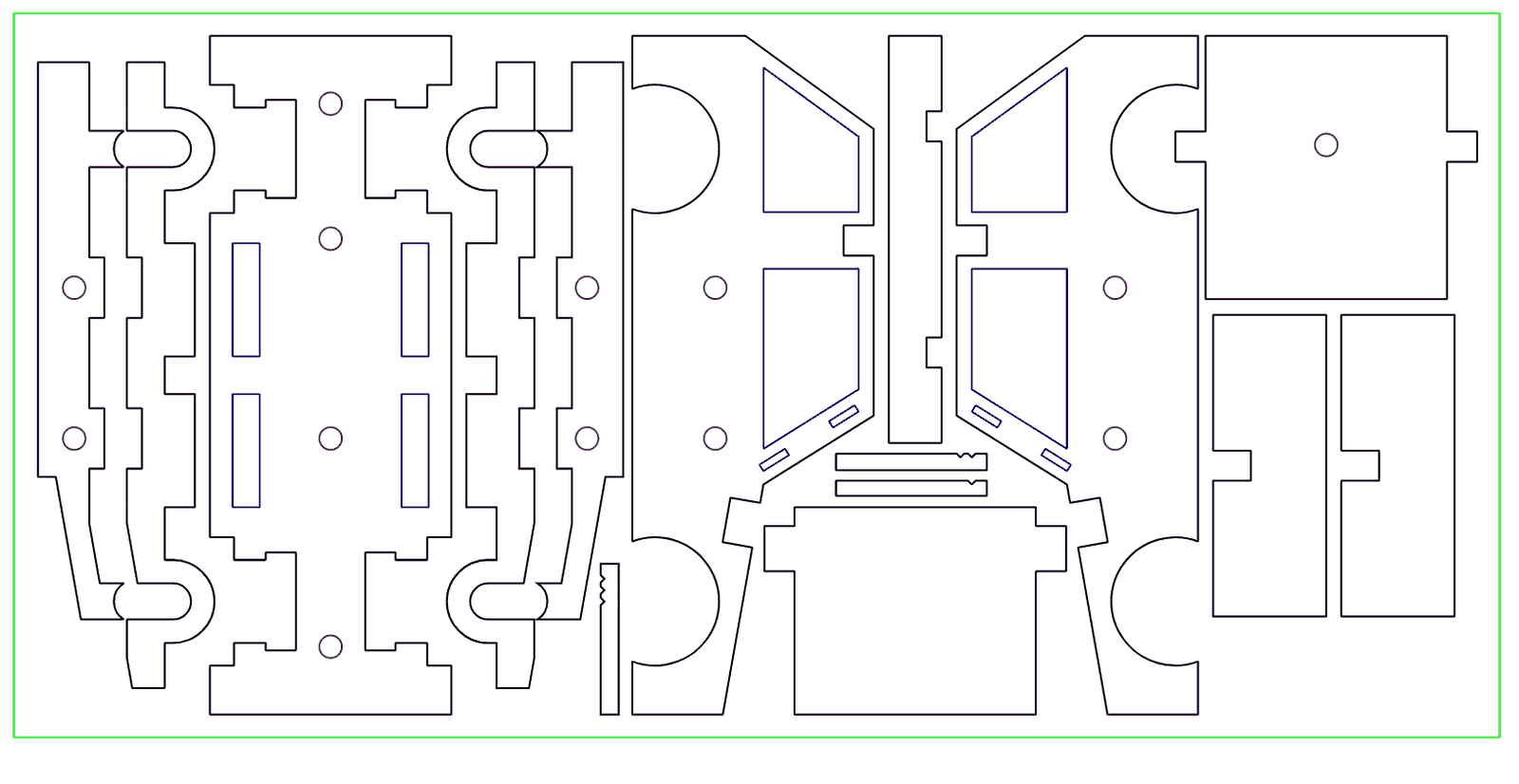
The three file formats we accept
A laser cutter follows vector paths — lines and curves with real coordinates. It cannot cut a photo. These are the three laser cutting file formats that work:
AI — Adobe Illustrator
The native Illustrator file format. Best when your design was made in Illustrator. Convert all text to outlines before sending.
DXF — CAD exchange format
The standard file type for AutoCAD, Fusion 360, and most engineering tools. Export as AutoCAD 2023 or earlier, units in millimeters, curves as splines.
PDF — usually the safest
A vector-exported PDF opens cleanly almost everywhere and is the file format we recommend when in doubt. Make sure it is exported as vector, not a flattened image.
Vector vs. raster — why the file type matters
JPG, PNG, and TIFF are raster files — grids of pixels. A laser cannot cut them. A logo or photo saved into a PDF is still raster inside. Cutting needs true vector paths (AI, DXF, PDF). Raster images are fine only for engraved photos, never for cut lines.
Best file type for laser engraving
For engraved line work, text, and logos, use a vector file (AI, DXF, or PDF) — the same as cutting. For an engraved photograph or a shaded image, a high-resolution raster file (PNG or JPG) is correct, because the laser rasters the image line by line. So: vector for crisp lines, raster for photos.
Before you export
- Convert all text to outlines or curves
- Design at 1:1 scale, real-world dimensions
- Use closed paths for anything that gets cut
- Hairline (0.001″) stroke weight on cut lines
- Map cut, score, and engrave to separate colors
Full step-by-step detail is in the file submission guide. Not sure your file is right? A free file check comes with every quote — we tell you what to fix before anything is charged.
Laser cutting file formats — common questions
What file format do laser cutters use?
Vector files: AI, DXF, or PDF. The laser follows the vector paths in the file. Most shops, including ours, accept all three.
What is the best file type for laser cutting?
A vector-exported PDF is the safest all-round choice — it opens reliably everywhere. AI is great if you designed in Illustrator; DXF is best for CAD and engineering parts.
Can a laser cut a JPG or PNG?
No. JPG and PNG are raster (pixel) images — there are no cut paths to follow. They work only for engraved photos. For cutting you need a vector file.
What is the best file type for laser engraving?
Vector (AI, DXF, PDF) for crisp text and line work; high-resolution raster (PNG or JPG) for engraved photographs and shaded images.
What DXF version should I export?
AutoCAD 2023 or earlier, with units set to millimeters and curves exported as splines.
Ready to send your file?
Industrial CO₂ lasers, beds up to 46 by 58 inches, in downtown Los Angeles. A real person checks every job.