Laser 101 · File & design
Cut vs. score vs. engrave.
A laser does three distinct things to a material. Knowing the difference helps you design a file that comes out exactly the way you pictured it.
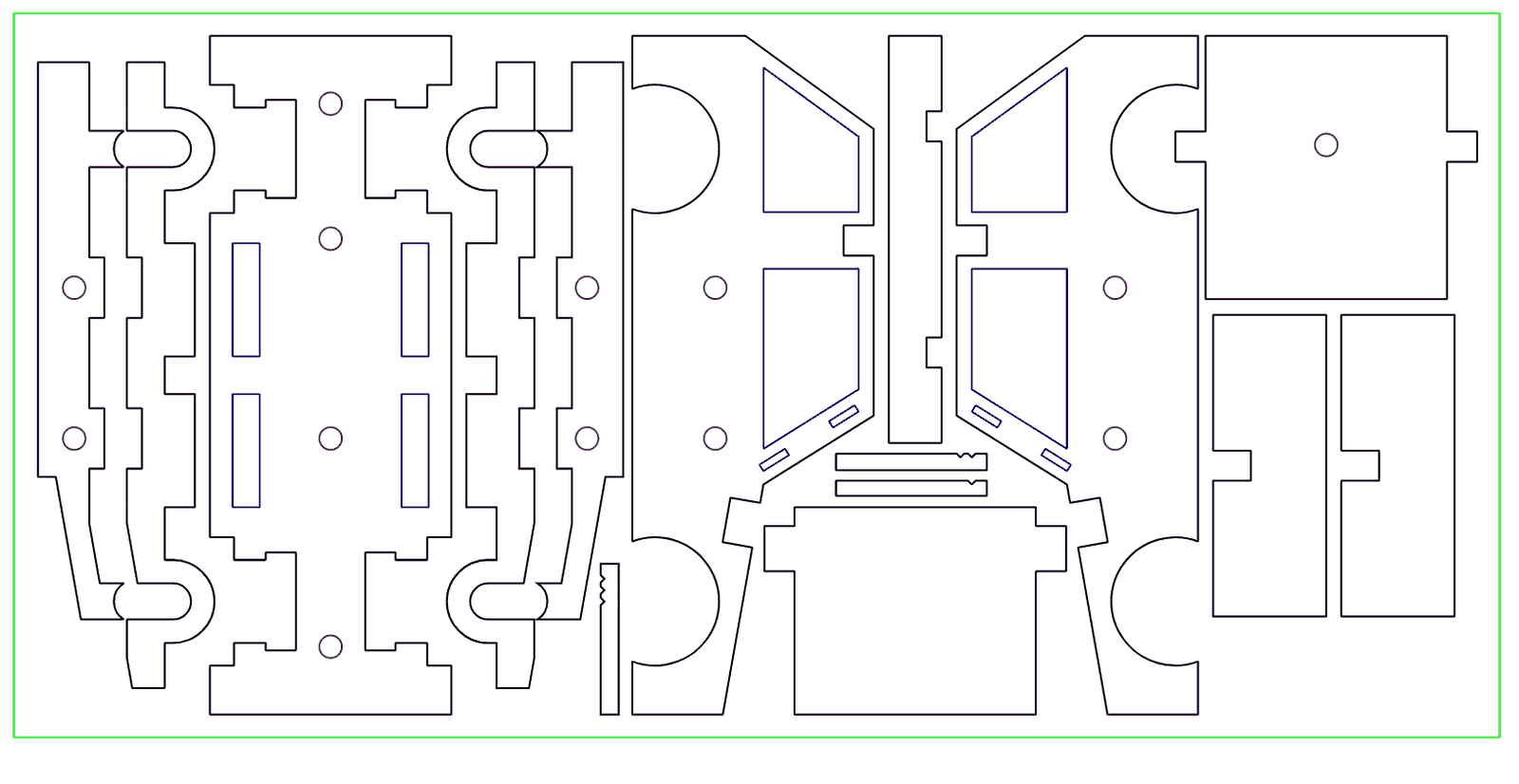
Three things a CO₂ laser does
A laser cutter is really three tools in one. It can cut all the way through a material, score a shallow line on the surface, and engrave a mark across an area. Most finished pieces use a combination of the three, and understanding the difference is the key to designing a file that comes out the way you pictured it.
Cutting
Cutting is the beam passing fully through the material to separate it. It is what creates the outer shape of a part and any interior cut-outs — the hole in a keychain, the window in a sign, the slots in a box.
Cut quality depends on the material and thickness: acrylic comes off glass-clear, wood with a light toasted edge, paper crisp and clean. Cutting needs vector artwork — the laser follows a path — so cut lines must be real vector geometry, not a raster image.
Scoring
Scoring is a shallow line burned into the surface without going through. The most common use is a fold line — score a sheet of cardstock or thin wood and it folds crisply and consistently, which is how clean boxes, packaging nets, and pop-up cards are made.
Scoring also handles perforation effects, alignment marks, and fine decorative linework where you want a line but not a cut. Like cutting, it follows a vector path.
Engraving
Engraving removes a thin top layer across an area to leave a visible mark — a logo, a block of text, a texture, or a photograph. It is the difference between drawing the outline of a letter (a score) and filling that letter in (an engrave).
Engraving comes in two forms. Vector engraving traces line artwork. Raster engraving sweeps back and forth like a printer to render filled shapes and photographs by varying how dark it burns. Acrylic engraves frosty white, wood and leather burn darker, coated metal reveals the layer beneath.
Telling the laser what goes where
All three operations can happen on one piece in a single run. You control which is which by color-mapping your file: assign one color to cut lines, another to score lines, and a fill color to engraved areas. The convention many shops use is red for cut, blue for score, and black for engrave.
When you send a file, separate the operations by color and we map each one to the right setting. If everything is one color, we cannot tell a fold line from a cut — so this small step in your file saves a round of back-and-forth.
Common questions
What is the difference between scoring and engraving?
A score is a shallow surface line — usually for folds. An engrave removes a thin layer across an area to render a logo, text, or image. A score is a line; an engrave is a filled mark.
How do I tell the laser what to cut versus engrave?
Color-map your file: one color for cut lines, another for score lines, and a fill color for engraved areas. We map each color to the right setting and run them in one pass.
Can you cut, score, and engrave the same piece?
Yes — all three happen in a single run. A folded box with an engraved logo, for example, is cut, scored, and engraved in one pass.
Does engraving cut all the way through?
No. Engraving only removes a thin top layer to leave a mark. If you need to go through the material, that is a cut.
What color should cut lines be?
The common convention is red for cut, blue for score, and black fill for engrave — but the important thing is simply that each operation is a different color so we can tell them apart.
Planning a multi-operation job?
Industrial CO₂ lasers, beds up to 46 by 58 inches, in downtown Los Angeles. A real person checks every job.